 GAHUM
GAHUM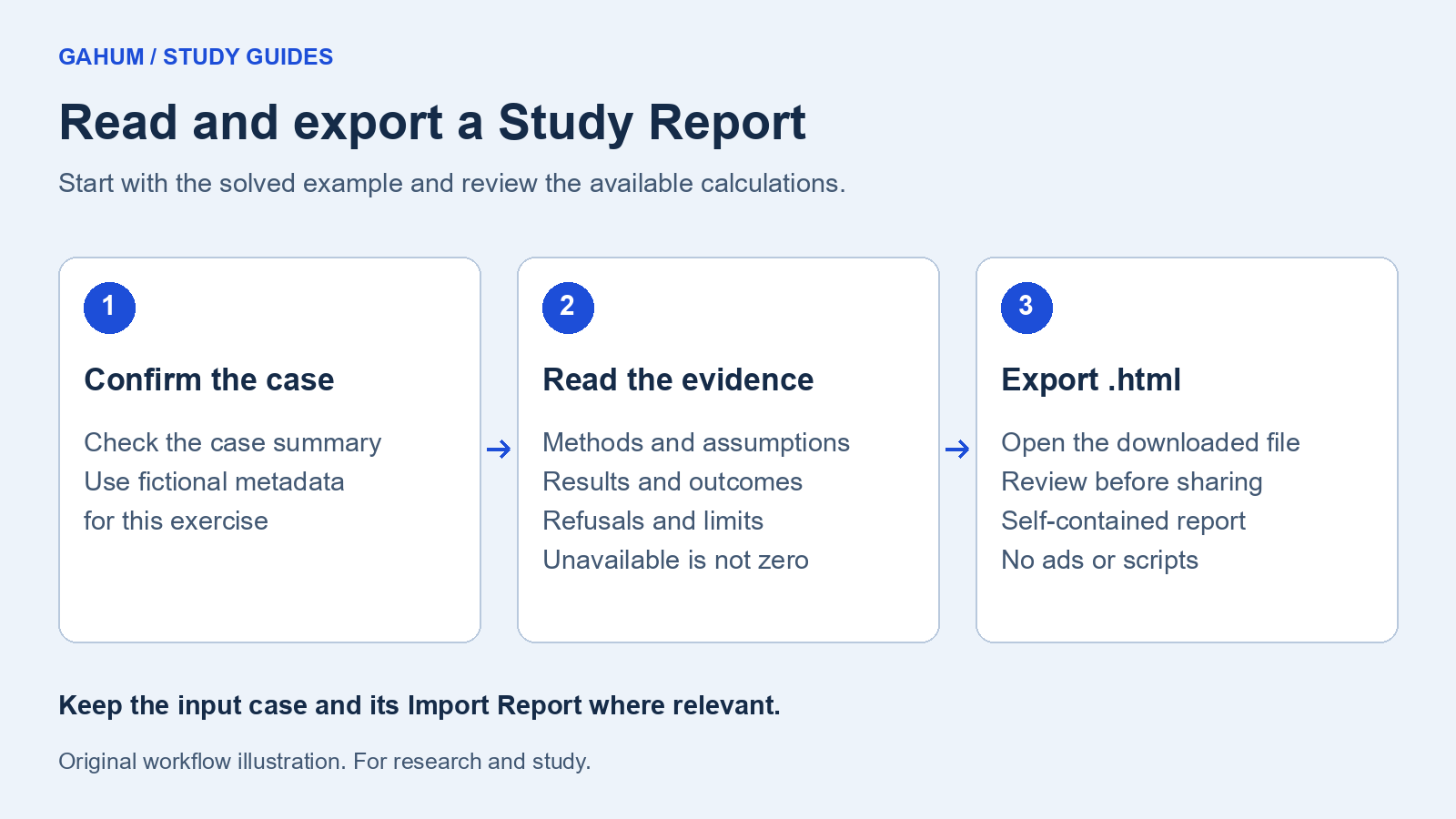
Start with the solved example from Run your first load flow. A Study Report describes available calculations and their limits. Opening it does not establish that every supported analysis has been run.
1. Open the report
In the editor, select Report. On narrow screens, expand Report details to enter the project, client, preparer, and revision. These fields are optional and become part of your exported document.
Use fictional metadata for this exercise. Review those fields before sharing a download.
2. Check what the report actually supports
- Confirm the case name and electrical summary match the Power System you intended to study.
- Check the analysis method, assumptions, and outcome before interpreting the values.
- Compare the load-flow bus voltages with the example in the first guide.
- Read any refusal or non-convergence explanation. An unavailable value is not a measured zero.
An AC-OPF result can be a lower bound rather than an achieved operating point. Harmonic comparisons use selected IEEE 519-2014 reference thresholds and do not establish standards compliance. Read the method-specific limitations when those analyses are present.
3. Export a self-contained copy
- Select Export .html.
- Open the downloaded file in a browser. It contains the report, including any metadata you entered.
- Review the exported result and research-use notice before sharing it.
Downloaded Study Reports contain no advertising, scripts, or remote font requests. They do not need the public tutorial site to open.
Use Print / Save as PDF, or Print / PDF on a narrow screen, for a printable copy. Your browser's print settings determine the saved PDF.
4. Keep inputs as well as results
A report is a record of calculations under stated conditions. It does not replace the input case, independent verification, or appropriately qualified review. Keep the source and its Import Report where relevant.
Read the research-use terms and editor privacy notice for the operating limits and local-storage behavior.